What is Adobe Photoshop CS6?
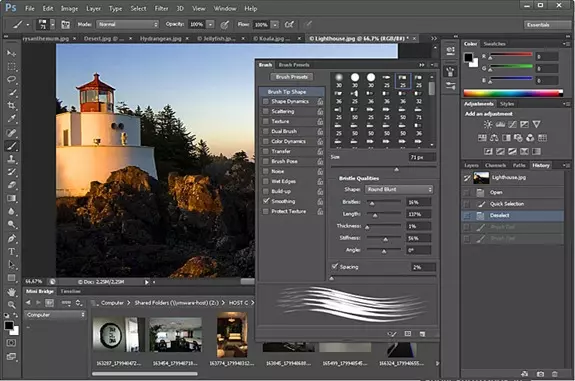
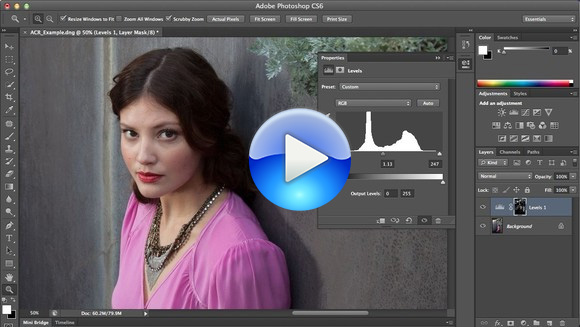
Adobe Photoshop CS6, short for Creative Suite 6, is a professional raster graphics editor developed and published by Adobe Inc. Released in May 2012, it became one of the most celebrated versions in Photoshop's long history. CS6 introduced a redesigned dark interface, content-aware tools, and a robust video editing workspace — features that made it a true all-in-one creative powerhouse.
Whether you are a graphic designer, web developer, photographer, or digital artist, Photoshop CS6 delivers the complete toolkit you need. The ZIP file format makes it easy to download and install — no complex installer required in many configurations.
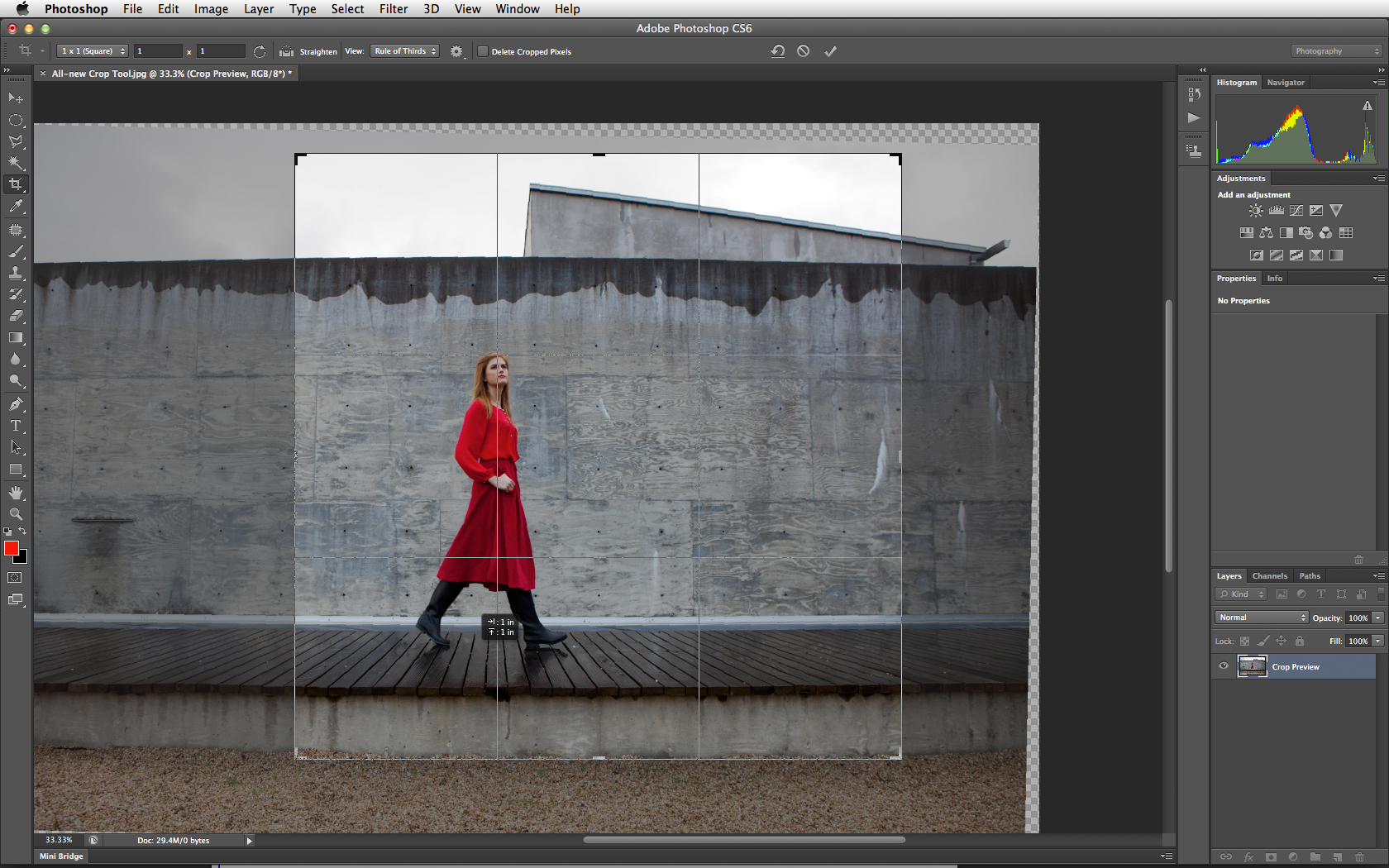
Adobe Photoshop CS6 Professional Interface
Using Adobe Photoshop CS6 Responsibly
Photoshop CS6 is commercial software. Use only an installer and license that you obtained legally from Adobe or an authorized source. Before installing older software, consider these points:
- Licensing: Confirm that your license permits installation on the intended device.
- Authenticity: Avoid modified, cracked, or unofficial installers.
- Security: Scan installers and verify their source before opening them.
- Compatibility: Older software may need compatibility settings on modern systems.
- Backups: Back up important files before changing software or system settings.
Photoshop CS6 Advanced Toolset
System Requirements
Before downloading, ensure your system meets the following minimum requirements for optimal performance:
| Requirement | Minimum | Recommended |
|---|---|---|
| OS | Windows 7 SP1 / macOS 10.7 | Windows 10/11 / macOS 12+ |
| Processor | Intel Core 2 Duo / 1 GHz | Intel Core i5 or higher |
| RAM | 1 GB | 8 GB or more |
| Hard Disk | 2 GB free space | 10 GB SSD |
| Display | 1024×768 resolution | 1920×1080 Full HD |
| GPU | OpenGL 2.0 capable | Dedicated GPU with 2GB VRAM |
Key Features of Adobe Photoshop CS6
Adobe Photoshop CS6 packed an impressive range of features that made it the go-to choice for creative professionals worldwide. Here are some of the most notable additions and improvements:
Content-Aware Tools
The Content-Aware Move and Content-Aware Patch tools were game-changers. They allowed users to seamlessly move or extend objects in an image and have Photoshop intelligently fill the space left behind with matching background content.
New Dark Interface
CS6 introduced a completely redesigned dark UI that reduced eye strain during long editing sessions and allowed artwork to stand out more prominently. The interface was modern, clean, and professional.

The New Dark Interface in Photoshop CS6
Enhanced 3D Capabilities
The CS6 Extended edition brought significant improvements to 3D workflow, including better lighting, shadow casting, and a more intuitive 3D scene panel. Users could create and manipulate 3D objects directly within Photoshop.
Video Editing Workspace
For the first time, Photoshop CS6 included a full-featured video editing workspace. You could trim clips, add transitions, apply filters across video layers, and export to a variety of video formats — all without leaving Photoshop.
Crop Tool Redesign
The new non-destructive Crop tool allowed users to freely re-crop images after the fact. You could drag the canvas instead of the image, and all original pixels were retained until you decided to commit.
Blur Gallery
CS6 introduced the Blur Gallery with three powerful blur effects: Field Blur, Iris Blur, and Tilt-Shift. These filters simulated realistic depth-of-field and miniature photography effects with precise control.
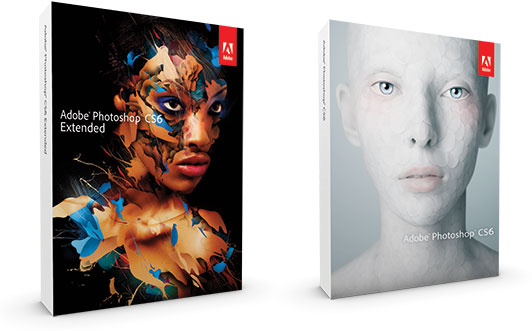
Adobe Photoshop CS6 vs CS6 Extended Comparison
How to Download and Install Adobe Photoshop CS6 ZIP File
Follow these simple steps to download and install Adobe Photoshop CS6 from the ZIP file:
- Click the Download Button on this page to get the ZIP file.
- Save the ZIP file to a location of your choice on your computer.
- Extract the ZIP using Windows built-in extractor or a tool like WinRAR or 7-Zip.
- Open the extracted folder and locate the setup or executable file.
- Run the installer and follow the on-screen instructions.
- Once installed, launch Photoshop CS6 from your desktop or Start Menu.
Adobe Photoshop CS6 vs Newer Versions
While Adobe has released many newer versions since CS6, including the Creative Cloud subscriptions (Photoshop CC), CS6 remains highly popular for several reasons:
- One-Time Purchase: CS6 was the last version available as a perpetual license — no monthly subscription required.
- Lightweight: CS6 is less resource-intensive than newer CC versions, making it suitable for older hardware.
- Stable Performance: A mature, well-tested release with no constant update-related disruptions.
- Complete Feature Set: For the vast majority of design and photo editing tasks, CS6 has everything you need.
- No Internet Required: Unlike CC versions that need connectivity for licensing, CS6 works fully offline.
Frequently Asked Questions
Is Adobe Photoshop CS6 free?
Adobe Photoshop CS6 is a paid commercial software. However, Adobe occasionally offers trial versions. The download available on this site is for educational and informational purposes.
Is CS6 compatible with Windows 11?
Yes, Adobe Photoshop CS6 can run on Windows 11 with some compatibility adjustments. Most users report smooth performance on modern Windows systems.
Can I use CS6 without an Adobe account?
Yes. Unlike Creative Cloud versions, Photoshop CS6 does not require an ongoing Adobe account or internet connection after initial activation.
What file formats does CS6 support?
CS6 supports an extensive range of formats including PSD, PSB, JPEG, PNG, GIF, TIFF, BMP, PDF, EPS, SVG, RAW camera formats, and many more.